
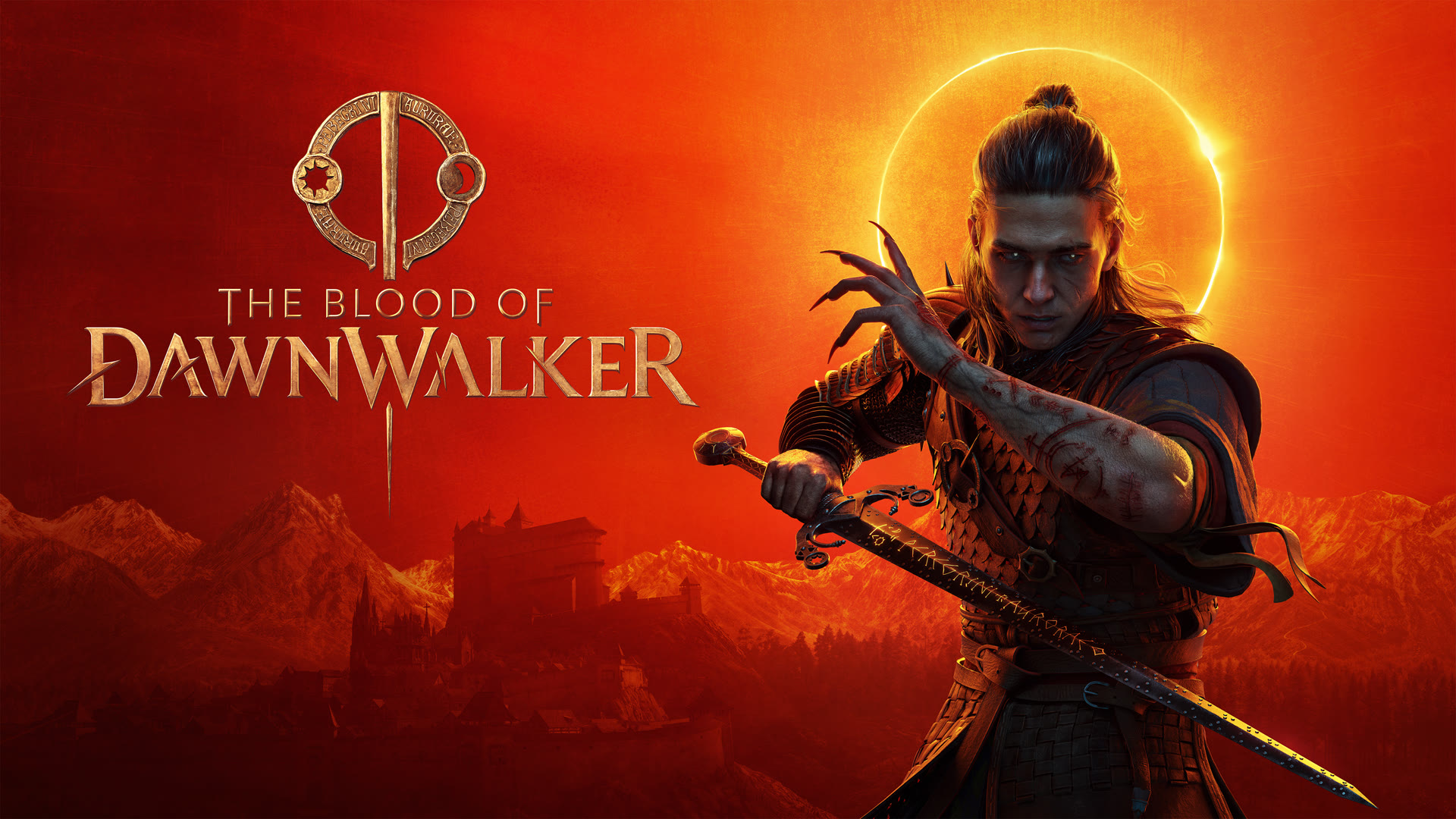
The Blood of Dawnwalker is one of the most anticipated dark fantasy RPGs of the year, largely due to its development pedigree involving former Witcher 3 leads. Built on Unreal Engine 5, it promises a visually stunning world, but that fidelity comes with a specific set of hardware demands. Understanding these requirements is crucial, especially since the developers recently revised the specifications to be more accessible than initially feared.
Table of Contents
The Blood of Dawnwalker Minimum System Requirements
The minimum specifications are designed for players targeting 1080p resolution at 30 FPS using the "Low" graphics preset. It is important to note that these targets assume you are using "Balanced" upscaling technology (DLSS, FSR, or XeSS).
| Component | Minimum Specification |
|---|---|
| OS | Windows 10 (64-bit), DirectX 12 |
| CPU | Intel Core i5-11400F / AMD Ryzen 7 2700X |
| RAM | 16 GB |
| GPU | NVIDIA GTX 1060 (6GB) / AMD Radeon RX 580 |
| VRAM | 6 GB |
| Storage | 60 GB available space (SSD Recommended) |
Community reports suggest that while the GTX 1060 is listed as the baseline, the experience at 1080p might feel "soft" due to the aggressive nature of balanced upscaling at lower output resolutions. If you are running older hardware, ensure your drivers are fully updated to the latest version to handle Unreal Engine 5's shader compilation.
Recommended System Requirements (1440p / 60 FPS)
For a smooth 60 FPS experience at 1440p on "High" settings, the requirements take a significant step up. This tier represents the "sweet spot" for modern PC gaming, balancing visual fidelity with fluid performance.
- CPU: Intel Core i7-11700K / AMD Ryzen 7 5700X
- RAM: 16 GB
- GPU: NVIDIA RTX 4060 / AMD Radeon RX 7600 XT / Intel Arc B580
- VRAM: 8 GB
- DirectX: Version 12
- Storage: 60 GB SSD
The jump in CPU requirements is particularly noteworthy. According to technical analysis from System Requirements Lab, Unreal Engine 5 games are often CPU-bound in dense urban environments or areas with high NPC counts. The 8-core processors listed here provide the necessary headroom to maintain stable frame rates during complex combat encounters.
4K Ultra and High-End Performance
If you intend to play The Blood of Dawnwalker at 4K resolution with "Ultra" settings, you will need top-tier enthusiast hardware. Based on developer feedback and community benchmarks, the 4K/60 FPS target is incredibly demanding.
To hit this mark, players should aim for an NVIDIA RTX 4070 Ti or an AMD Radeon RX 7900 XT. On the processor side, the AMD Ryzen 7 7800X3D or Intel Core i7-12700K are recommended to handle the increased burden of hardware-based Lumen lighting and ray-traced reflections often included in Ultra presets. Even at this level, the developers suggest keeping upscaling set to "Balanced" to ensure a consistent 60 FPS.
The Importance of Upscaling and Optimization
A critical detail revealed by the developers is that all official system requirement tiers are calculated with upscaling enabled on the "Balanced" preset. This is a common trend for Unreal Engine 5 titles, which are designed around technologies like DLSS 3.5 and FSR 3.
VRAM and Memory Management
While 16 GB of System RAM remains the standard across all tiers, VRAM is a different story. The game is hungry for video memory; 6 GB is the absolute floor, but 8 GB to 12 GB is preferred for higher textures. If your card has only 4 GB of VRAM, you will likely encounter significant stuttering and texture pop-in, even on the lowest settings.
Storage and Load Times
Although 60 GB of space is required, using a standard Mechanical Hard Drive (HDD) is strongly discouraged. Unreal Engine 5 utilizes asset streaming technologies that rely on the high read/write speeds of an NVMe SSD to prevent "hitchings" while exploring the open world.
For the latest updates and community discussions, you can visit the The Blood of Dawnwalker Steam page to see how the game is performing on various hardware configurations post-launch.
Frequently Asked Questions
Can I play The Blood of Dawnwalker on a Steam Deck?
While not officially verified, the minimum requirements suggest the Steam Deck may struggle to maintain 30 FPS without aggressive FSR settings. Players may need to drop the internal resolution significantly to achieve a playable experience.
Does the game support Ray Tracing?
Yes, The Blood of Dawnwalker utilizes Unreal Engine 5’s Lumen system for global illumination. While this provides realistic lighting, it is highly demanding on both the GPU and CPU, which is why the 4K Ultra requirements are so high.
Why did the developers lower the system requirements?
Initially, the specs were based on native resolution rendering. After further optimization and the decision to standardize "Balanced" upscaling as the baseline for performance targets, the developers were able to lower the barrier to entry for mid-range PC users.
Sources and known gaps
- The Blood of Dawnwalker system requirements
- They "lowered" it- The Blood of Dawnwalker PC System Requirements Analysis