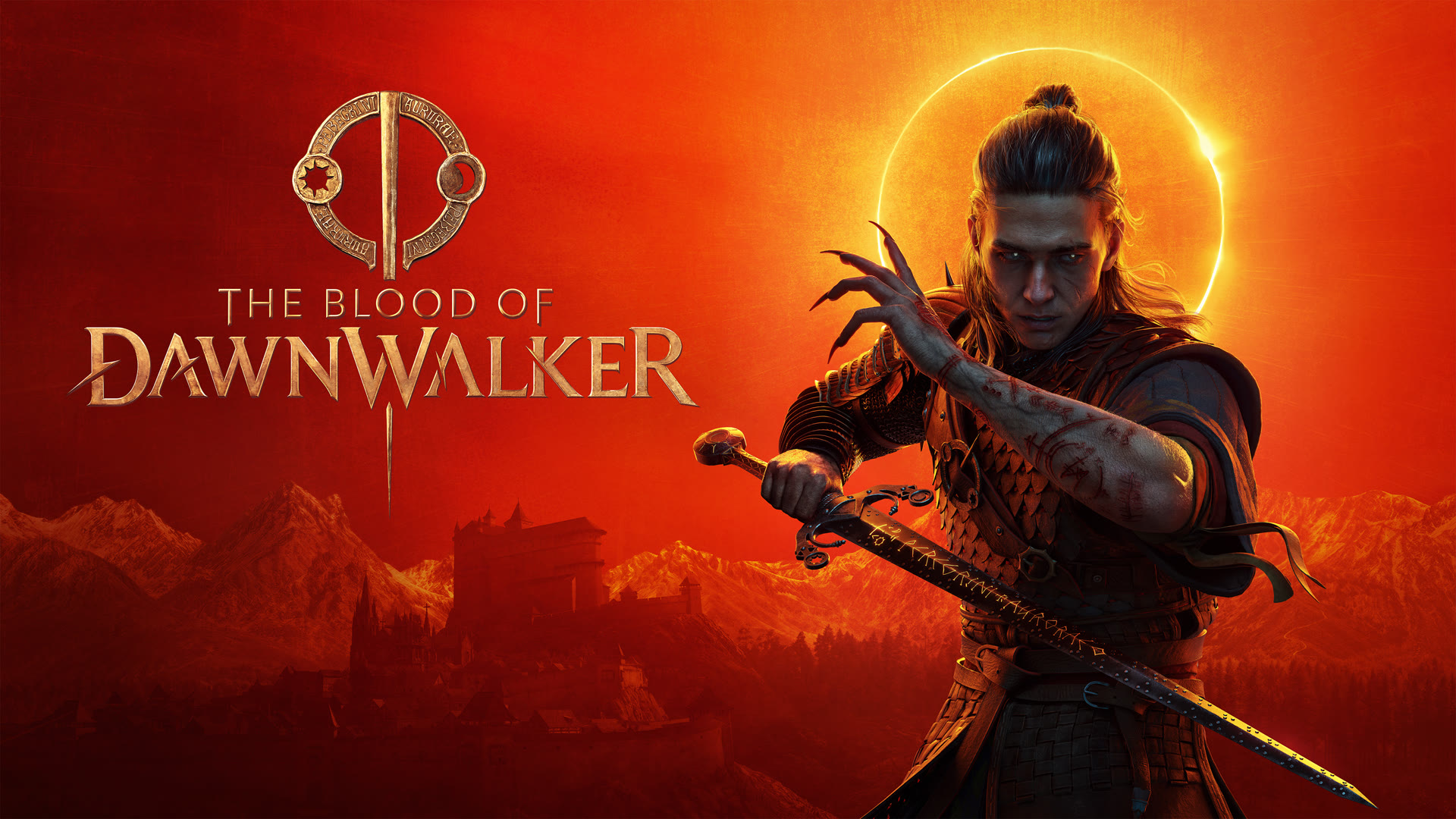
Understanding The Blood of Dawnwalker PC Requirements
As anticipation builds for this dark fantasy action RPG, many players are eager to know if their current rig can handle the journey through 14th-century Europe. Whether you are playing as Coen by day or hunting as a vampire by night, having a smooth experience is essential for combat precision. Developers have recently updated the performance benchmarks, providing a much clearer picture for gamers across different hardware tiers.
These updated specifications are vital because they provide realistic expectations by incorporating balanced-mode upscaling. Unlike earlier, confusing reports that suggested prohibitively high-end hardware, the current guidelines offer a more achievable target for the average player. Here is everything you need to know to prepare your PC for launch.
Updated PC System Requirements Breakdown
The developers have refined their recommendations to focus on a balanced upscaling approach. By utilizing technologies like DLSS, FSR, or XeSS, you can achieve a stable frame rate without needing the absolute latest top-tier hardware. Below is the optimized configuration for various performance levels.
| Resolution/Target |
Recommended GPU |
Recommended CPU |
VRAM |
| 1080p 30 FPS (Low) |
GTX 1060 / RX 580 |
i5-11400F / Ryzen 7 2700X |
6GB |
| 1080p 60 FPS (Med) |
RTX 2060 Super / RX 5700 |
i5-11400F / Ryzen 7 2700X |
8GB |
| 1440p 60 FPS (High) |
RTX 4060 / RX 7600 XT |
i5-11400F / Ryzen 7 2700X |
8GB |
| 4K 60 FPS (Ultra) |
RTX 4070 Ti / RX 970 |
Ryzen 7 7800X3D / i7-12700K |
12GB |
Note: All settings targets assume "balanced" mode upscaling is active. System RAM remains steady at 16GB across all tiers.
Performance Optimization Tips for Your Build
If your hardware falls slightly below these official recommendations, don't panic. Based on community insights and hardware trends, there are several ways to stabilize your experience:
- Leverage Modern Upscaling: If your GPU supports it, prioritize DLSS or FSR over native resolution. Even on older cards, a balanced or performance preset can save your frame rate in dense urban environments.
- Monitor Your VRAM: Unreal Engine 5 titles can be hungry for video memory. Ensure you are not running background apps that consume extra VRAM while the game is active.
- Adjust CPU-Intensive Settings: Settings such as draw distance and NPC density often impact the CPU more than the GPU. If you experience stutters in crowded areas, lowering these specifically can provide a smoother experience without sacrificing visual clarity.
For those planning to push the game to its visual limits, you can find the official store page at The Blood of Dawnwalker on Steam.
Frequently Asked Questions
Does The Blood of Dawnwalker require an RTX 5060 for decent performance?
No. While earlier rumors circulated regarding extremely high requirements, those were based on no-upscaling scenarios. The current, developer-provided specs are much more reasonable and suggest that a card as modest as a GTX 1060 can run the game at lower settings with upscaling enabled.
Can I play the game on a 6GB VRAM graphics card?
Yes, according to the official minimum requirements, 6GB of VRAM is the baseline. However, for a smoother experience at 1080p 60 FPS on medium settings, an 8GB card is strongly recommended to ensure texture assets load correctly without performance hits.
Why are the CPU requirements lower than initially reported?
The developers have significantly optimized the engine since the early technical reveals. The shift from requiring high-end enthusiast CPUs to more common mid-range processors like the i5-11400F or Ryzen 7 2700X suggests that the game is now better balanced to utilize standard gaming hardware.
Is 16GB of RAM enough for a modern UE5 title?
Yes, the developers have confirmed that 16GB of system RAM is sufficient for all presets, including 4K Ultra. This is a relief for many players, as it means you don't need to upgrade your memory to enjoy the full scope of the game's dark fantasy world.